Registration
How to register the main application for all versions.
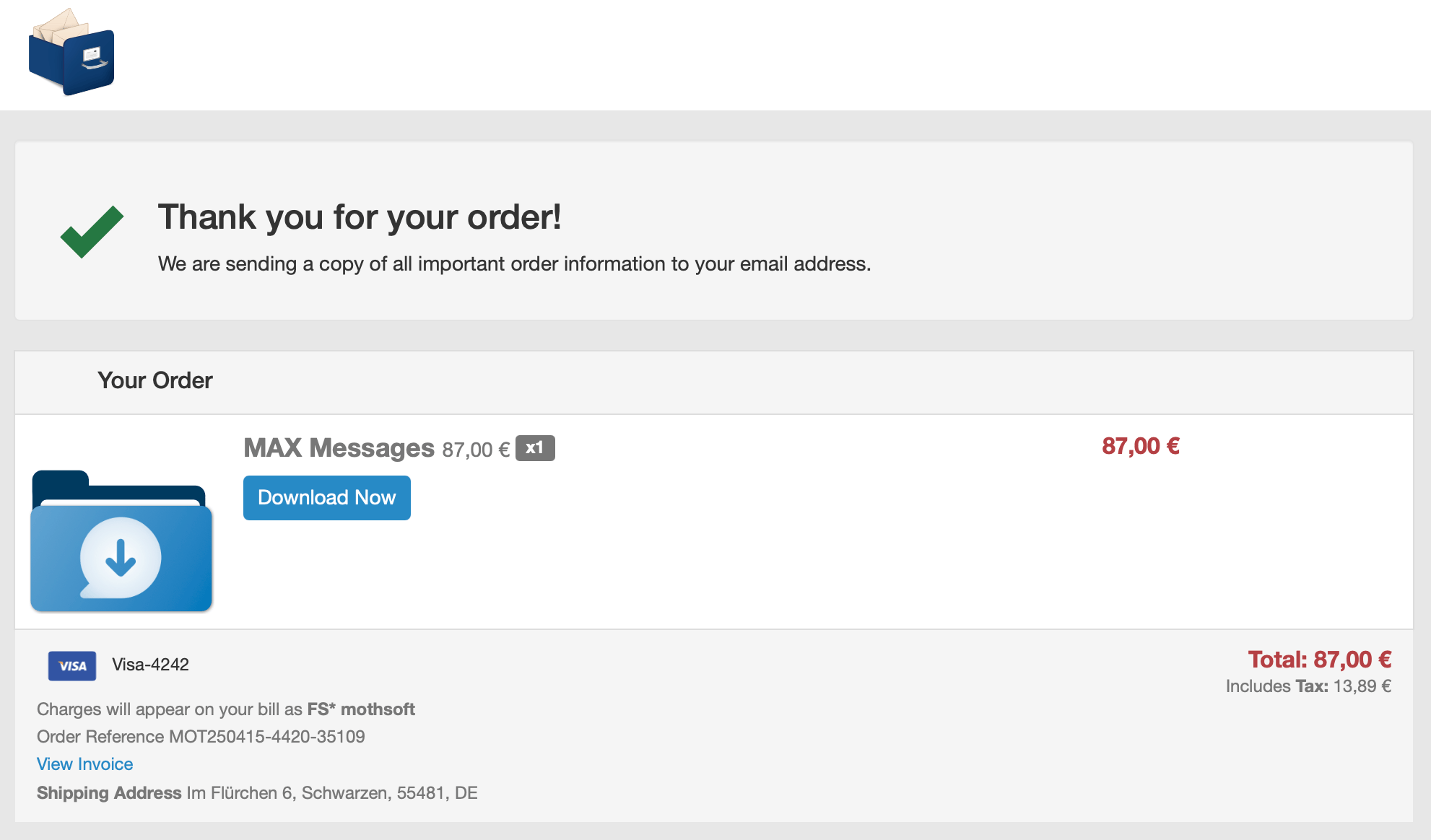
After a successful purchase you can download the license file:
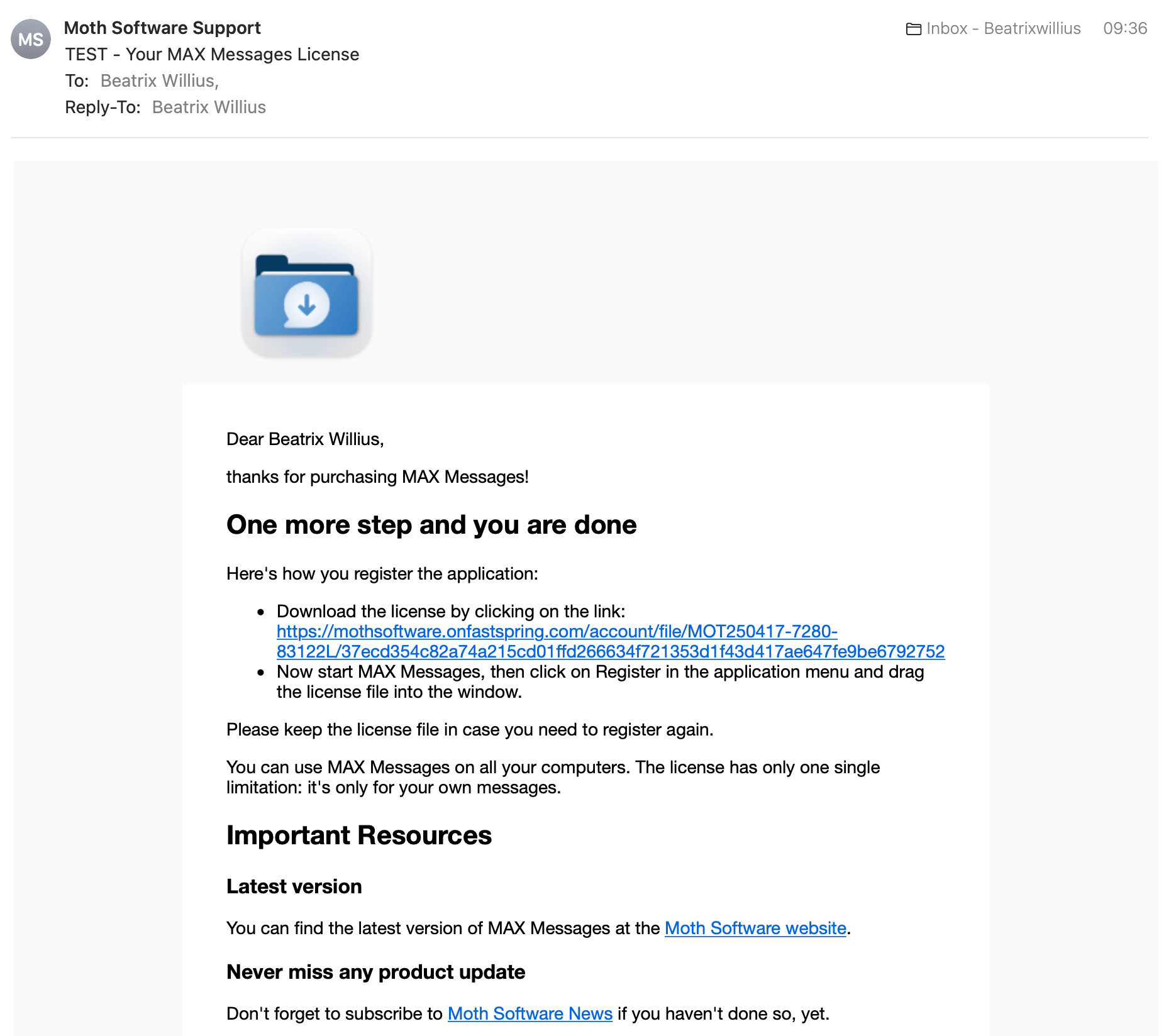
You can also download the license file when you get the order confirmation. The email of the standard version looks like this:
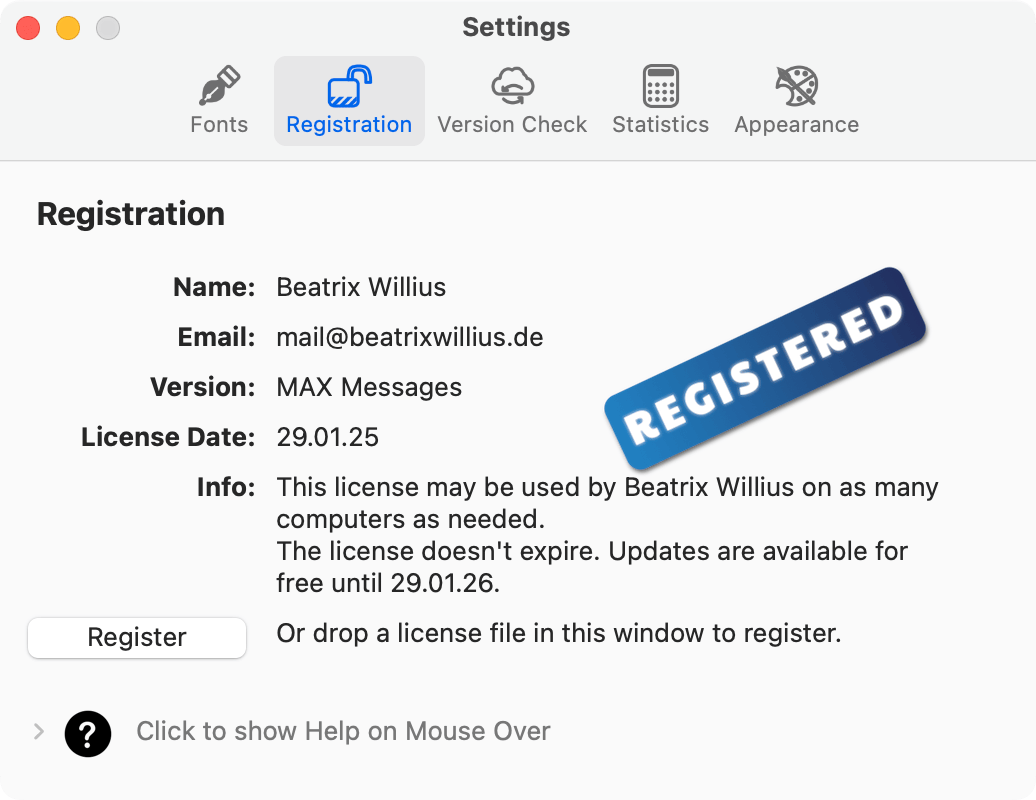
Select “Register” from the application menu. Select the license file to open it.
Alternatively, you can do this from the Registration tabsheet of the Settings. Drag the registration file to the window or click the Register button and select the file. You will be able to see the information of the registration file in the window.
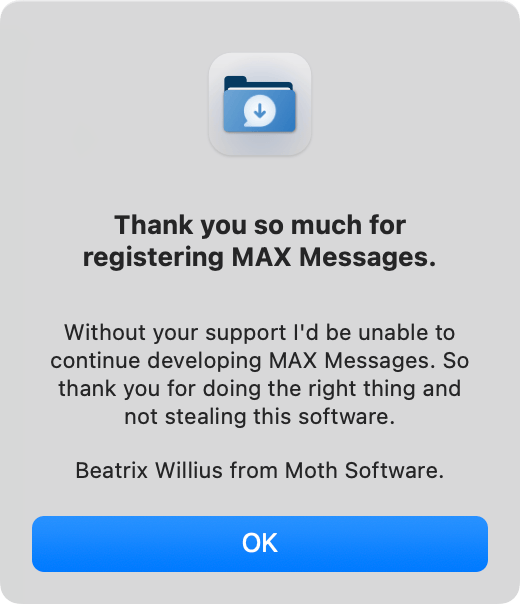
If the license file is valid, you will see the following dialog.